Download
Get Noisy Laptop.
It's free.
One small disk image. Drag it to Applications and it's installed. No account to make, no email to hand over, no permission dialogs, and nothing that keeps running in the background except a menu-bar icon.
The charger sounds work immediately and never expire, so within about thirty seconds of finishing this sentence you'll know whether this app is for you.
macOS 14 Sonoma or later · Apple Silicon or Intel
Universal .dmg · no installer, no account · Noisy Laptop Pro is optional, $6.99 once
Before you start
What you need
There is no hardware requirement beyond a Mac that can run a supported macOS.
Installing
Three steps, no installer
Standard Mac stuff. If you've ever installed an app from a website, you already know this.
- Step 1
Open the .dmg
Double-click it after the download finishes. A window opens with the app and a shortcut to your Applications folder. - Step 2
Drag it to Applications
Then eject the disk image. Running the app straight from the .dmg works but means it disappears when you eject. - Step 3
Open it
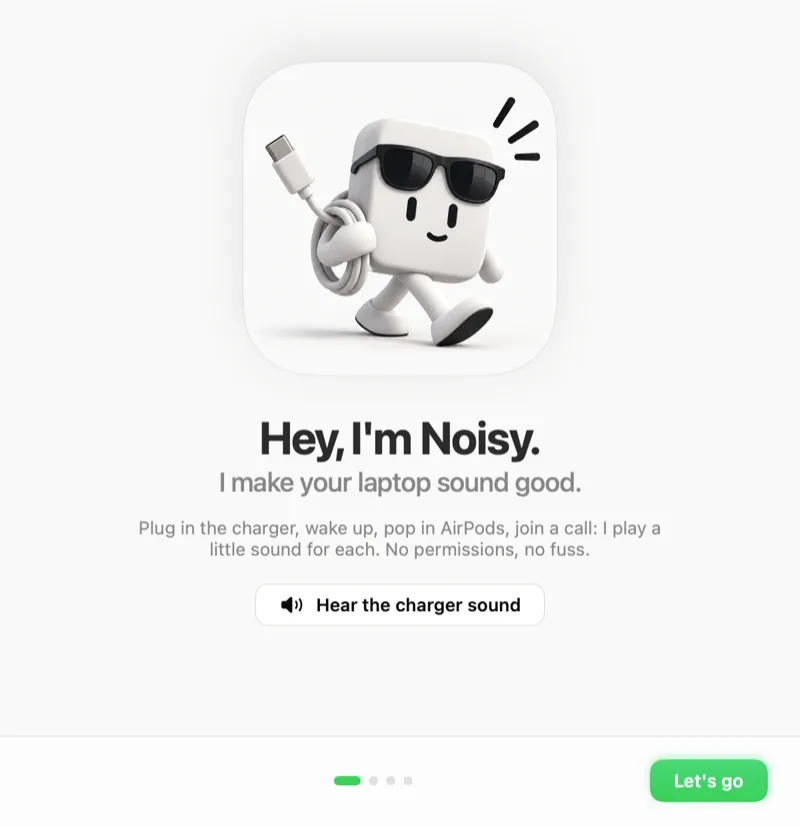
The first launch shows a short welcome, then the icon appears in the menu bar. macOS may confirm once that you downloaded it from the internet — that's normal for any app that isn't from the App Store.
First run
What happens once it's installed
It sets itself up sensibly, so you don't have to decide anything before hearing it work.
It goes to the menu bar, not the Dock
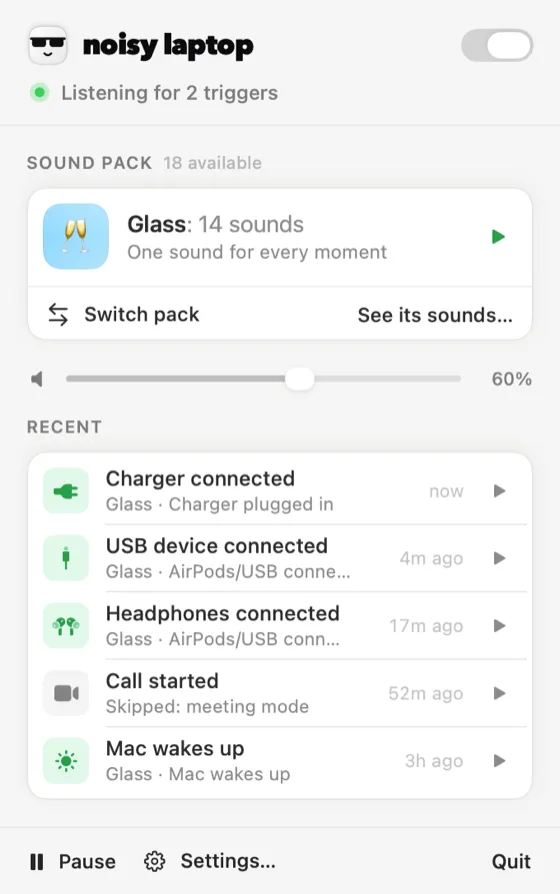
There's no Dock icon and no window sitting in your way. Click the menu-bar icon for the last sound it played, a mute switch, “pause for a while”, the pack picker and a way into the main window.
13 events are switched on
Out of 26. The obvious ones: the charger going in and out, battery full and low, logging in, waking, unlocking, USB devices, AirPods connecting, and a call starting. Everything else is off until you ask for it.
The free pack is already selected
Classic — crystal clinks and a singing wine glass. It covers all fourteen moments, so nothing is silent while you decide whether you want one of the other 11 packs.
Then plug your charger in
Genuinely the whole tutorial. That trigger is on, it's free forever, and it's the fastest way to understand what the app does.
Next
Making it yours
Four things worth doing in the first ten minutes, in the order that makes sense.
- Step 1
Turn off what you don't want
Triggers, then switch off anything that fires more often than you'd like. Most people cut the list down rather than adding to it. The full event list explains what each one means. - Step 2
Audition the packs
Sound Packs plays every clip of every pack, including ones you haven't bought. You can also hear them all on this site. - Step 3
Set the volumes
A master volume in Settings, and a per-trigger volume on each row. Alerts above, everyday events below. - Step 4
Decide about launch at login
Settings has a switch. If you want the wake and log-in sounds to work, this needs to be on.
If you want the rest
Noisy Laptop Pro, $6.99, once
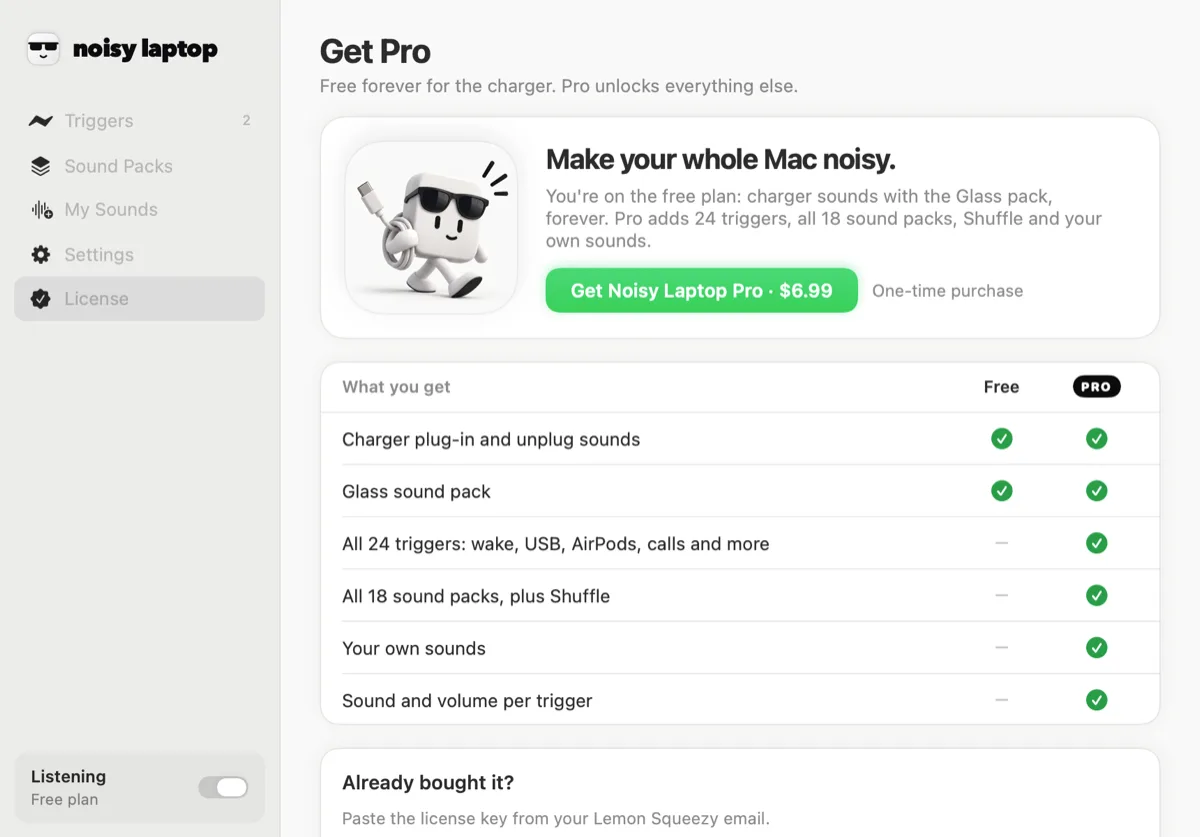
Free covers the charger triggers with the Classic pack, with no time limit and no nagging. Pro unlocks the other 24 events, all 12 packs and your own audio files.
It's a licence key, not an account: buy it, paste the key into the app's License pane, and it's activated on that Mac. It's a personal licence for the Macs you own, and you can deactivate one machine and activate another. Full details on the pricing page.
Install questions
What people ask before downloading
Which versions of macOS are supported?
macOS 14 Sonoma or later · Apple Silicon or Intel. It's a universal build, so it runs natively on Apple Silicon and on Intel Macs. There's no version for macOS 13 or earlier.
Is Noisy Laptop free?
The download is free and stays free. Free covers Charger connected and Charger disconnected with the Classic pack — no time limit, no account, no nagging. Pro is a one-time $6.99 for the rest. What's in each.
Does it need Accessibility permission?
No. It never installs an event tap or a global key monitor. It listens to notifications macOS already broadcasts — power source, sleep and wake, screen lock, device connections, network reachability, app launches — and none of those sit behind a permission prompt.
Does it run in the menu bar?
Yes. It's a menu-bar app with no Dock icon (LSUIElement, if you like that sort of detail). The menu shows what it last played and lets you mute, pause for a while, switch packs or open the main window.
How do I uninstall it?
Quit it from the menu bar and drag Noisy Laptop out of Applications. Its settings live in your preferences and your own clips in ~/Library/Application Support/Noisy Laptop/, which you can delete as well. If you have Pro and you're moving to a different Mac, deactivate the key from the License pane first.
Is there a free trial of Pro?
There's no timed trial, because the free version is the trial — it keeps working forever rather than expiring. If you buy Pro and it isn't for you, email thisdudestartedsomething@gmail.com and we'll sort it out.
Everything else is on the FAQ page.
Ready when you are.
macOS 14 Sonoma or later · Apple Silicon or Intel · free forever for the charger
Trouble with the download? Email thisdudestartedsomething@gmail.com.